Pacino's Empire
Ten Things
Login to Download Create Free Account
Shop Ten Things

Ten Things

by Dr Bashir Ibrahim Madawaki

Free Free Download
3 downloads
English
Ten Things is a collection of ten reflective poems by Dr Bashir Ibrahim Madawaki. The poems explore universal themes of truth, time, history, identity, voice, the pandemic experience, purpose, bias, self-doubt, resilience, and perspective with honesty, wit, and vulnerability.
Written in a candid, conversational style, the poems trace the poet's inner journey-questioning what is real, confronting personal and societal struggles, and seeking meaning in a world of uncertainty.
From the stillness of introspection to the noise of criticism, and from defeat to defiant hope, each piece offers a glimpse into the human condition.
Ten Things is both a personal diary and a mirror for the reader-inviting you to reflect, feel, and find your own voice between the lines.


More Books

Healing the Sick Instantly

Healing the Sick Instantly

Free

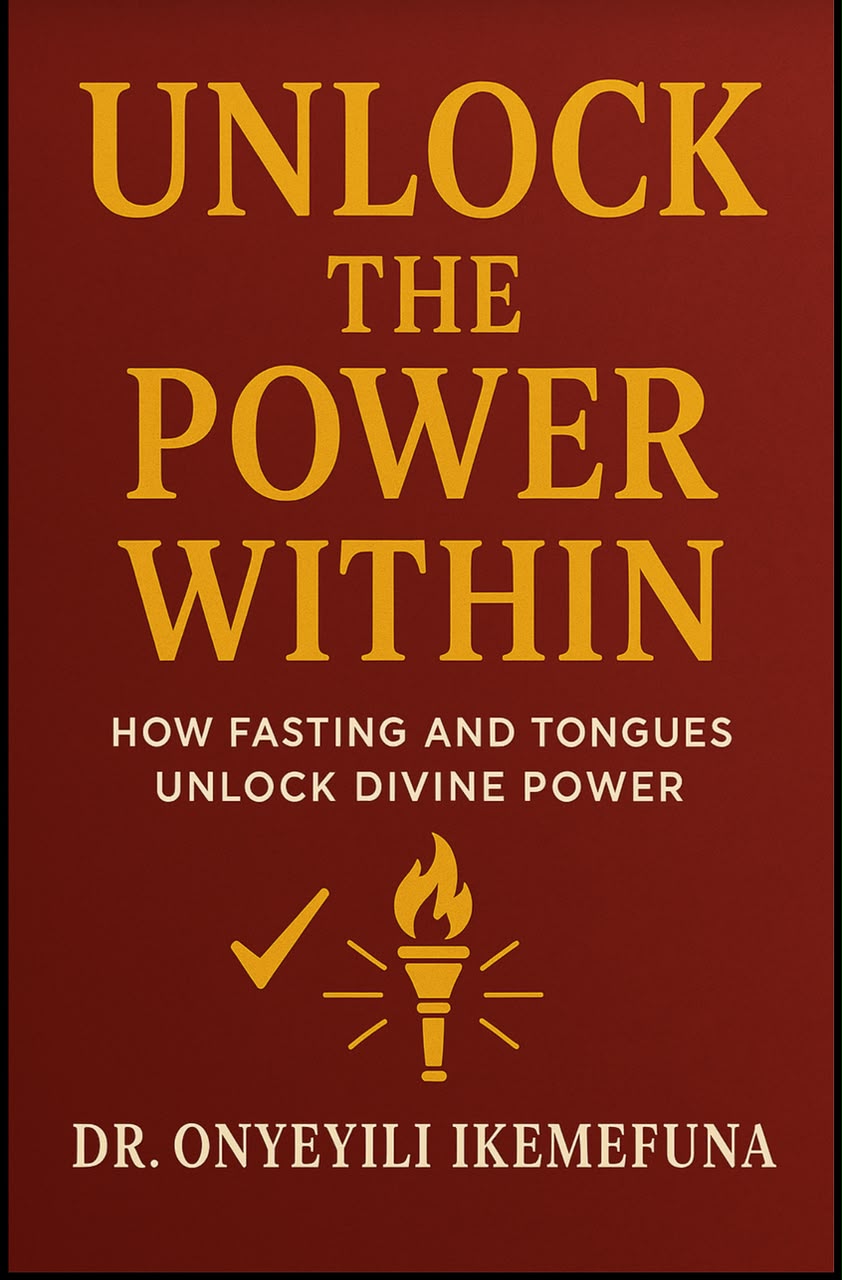
How Fasting and Tongues Unlock Divine Power

How Fasting and Tongues Unlock Divine Power

Free

The Last Defense (Book II)

The Last Defense (Book II)

Free

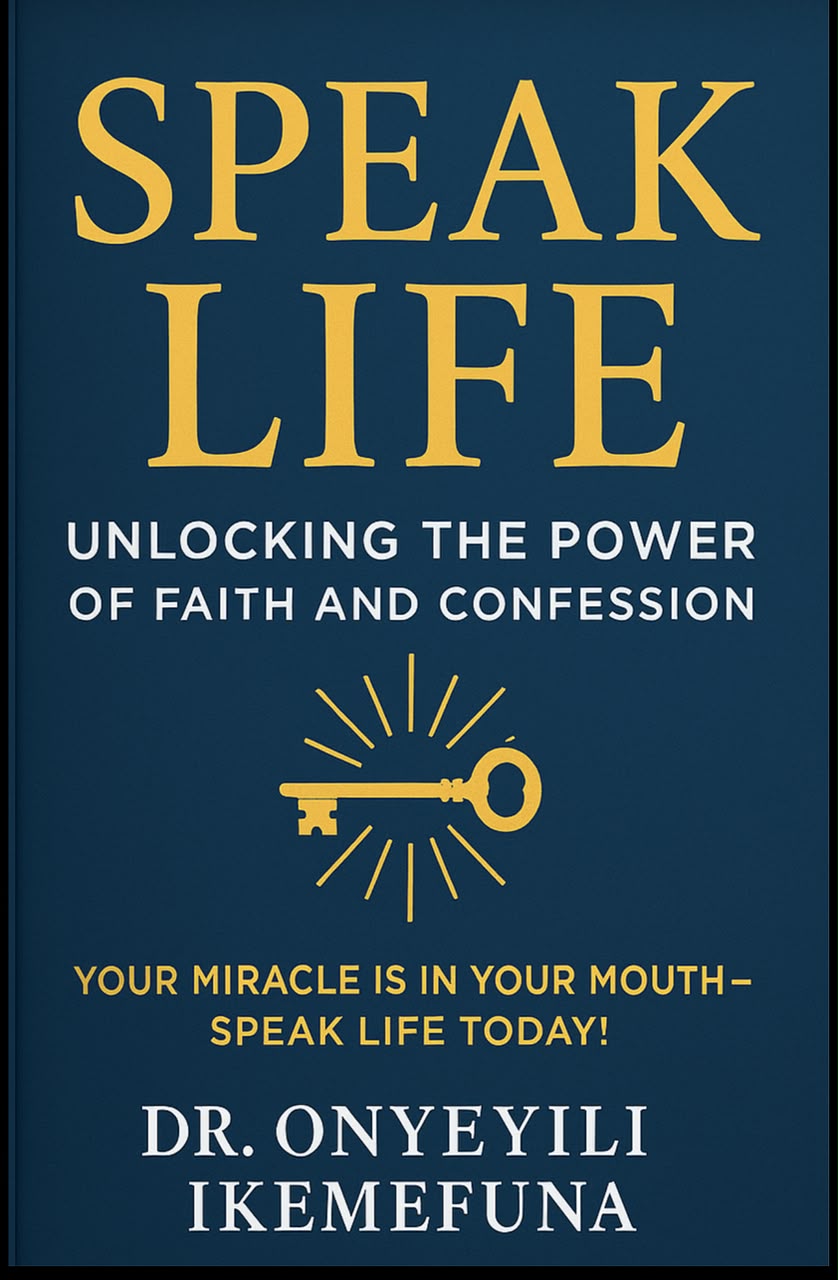
Unlocking the Power of Faith and Confession

Unlocking the Power of Faith and Confession

Free

Install the app

Get Pacino's Empire on your device

No app store needed — install directly from your browser on any device.

No app store needed
Works offline
Fullscreen experience
100% free
pacinosempire.com
Pacino's Empire
Knowledge hub
Add to Home Screen
Your app icon will appear on your home screen
Android
Chrome browser
1
Open pacinosempire.com in Chrome
2
Tap the ⋮ menu at the top right of the screen
3
Tap "Add to Home Screen" from the menu
4
Tap "Add" to confirm — your app icon appears! ✓
iPhone / iPad
Safari browser
1
Open pacinosempire.com in Safari
2
Tap the Share button (box with upward arrow at the bottom)
3
Scroll down and tap "Add to Home Screen"
4
Tap "Add" — your app icon appears on the home screen! ✓
Desktop / PC
Chrome / Edge browser
1
Open pacinosempire.com in Chrome or Edge
2
Look for the install icon ⊕ at the right of the address bar
3
Click it and select "Install" in the popup dialog
4
The app opens in its own window with your icon in the taskbar ✓
📬

Stay in the loop

Get new articles delivered straight to your inbox. No spam, unsubscribe any time.

We'll send a confirmation email. Unsubscribe any time.